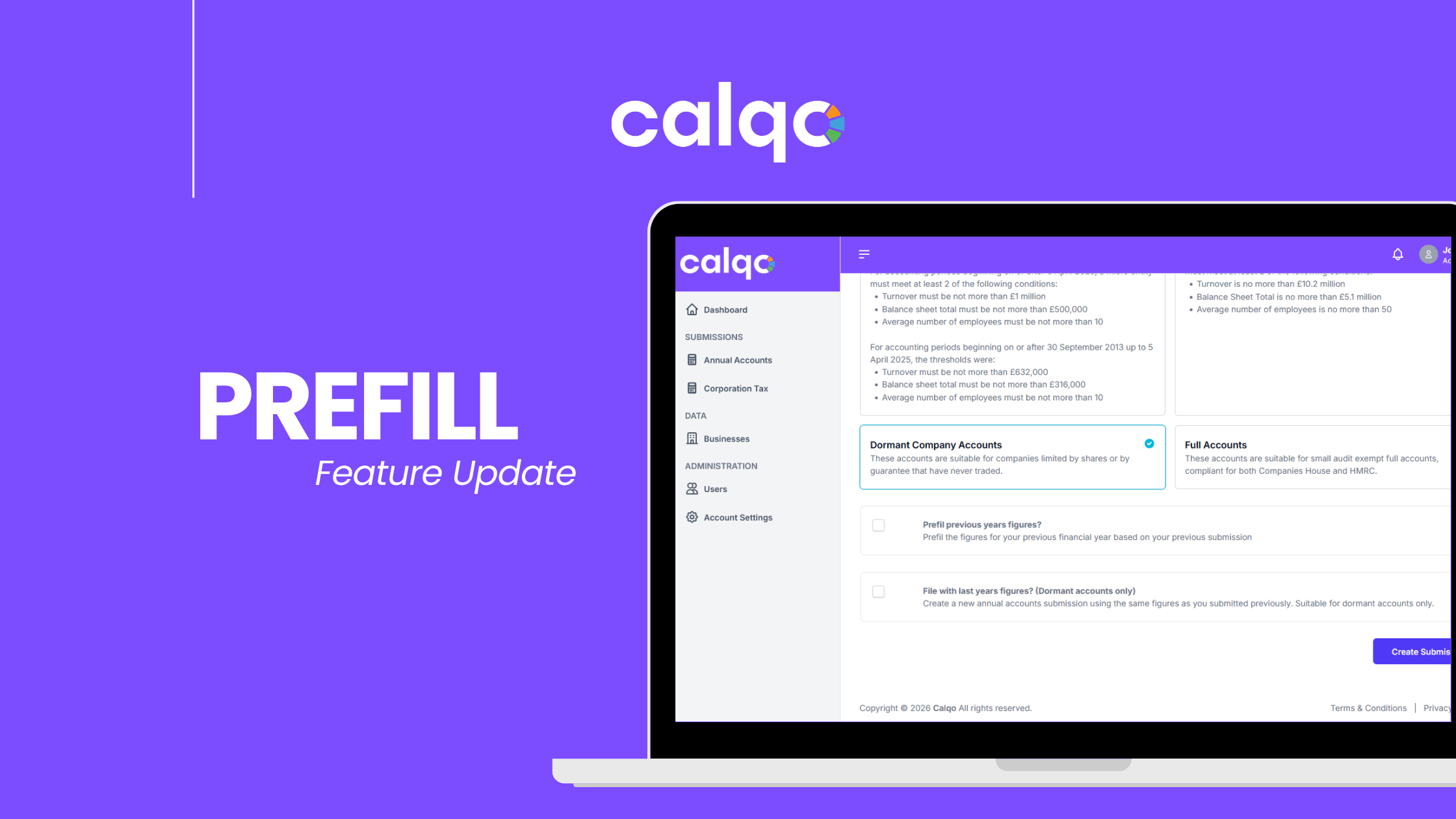
When creating a new annual accounts submission, users can now prefill the previous years financial figures. This saves you time having to re-enter figures you’ve already previously submitted.
If you are creating a new set of dormant accounts, you can prefill the previous and current years figures. With a dormant company you’re more than likely submitting the same figures each year, this will help speed up that process.
The date and declarations will not be filled automatically, meaning you will still need to acknowledge them.
This feature is free and available to all annual accounts users.
To use this feature, simply create a new annual accounts submission, select your business, your accounting period(s) and the type of accounts you’d like to create.
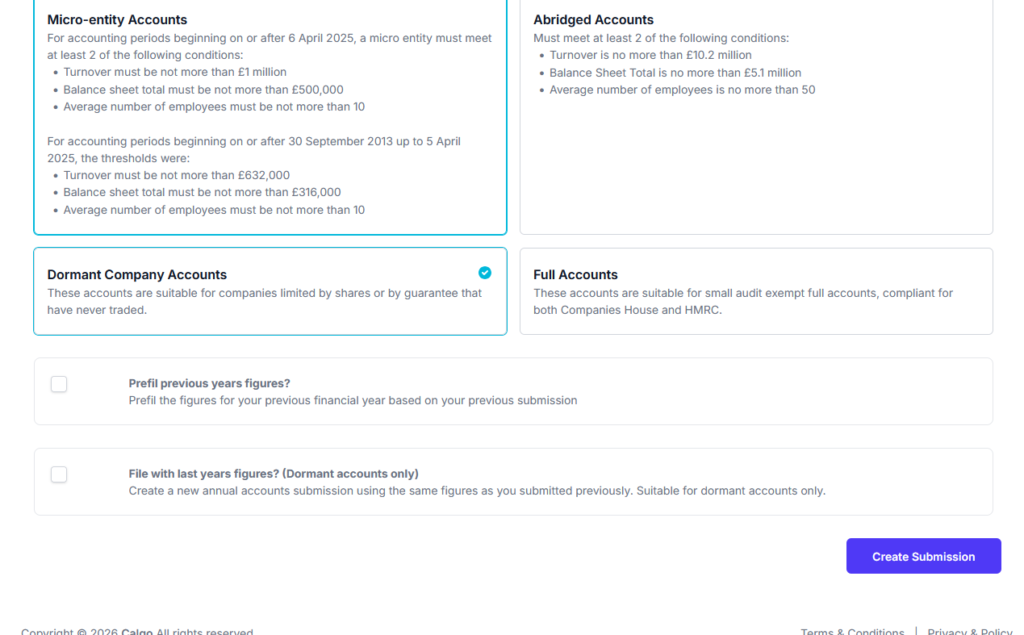
If you are submitting accounts that show previous years figures, the option to prefill will be available. If you are submitting dormant accounts, the additional option to prefill all figures will be available.